Turn Ideas Into Income With the 2027 Side Hustle Planner
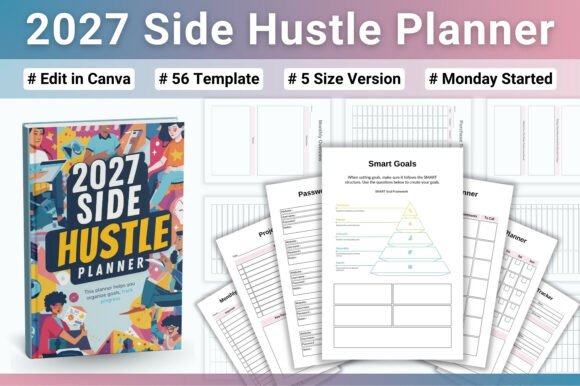
Building a side hustle is rarely a straight line. You have ideas, clients, tasks, and income streams all competing for attention. Without a system to organize the chaos, even the most motivated entrepreneur can stall. The 2027 Side Hustle Planner is a 56-page printable workbook designed to bring structure to that process. Whether you are launching a new venture, freelancing part-time, selling products online, or managing multiple projects, this planner gives you a clear framework to plan, track, and grow your business throughout the year.
This article walks through what the planner includes, how it fits into your existing workflow, and how to use it before, during, and after key business activities. The goal is practical integration — not more busywork, but better clarity and consistency.
What the 2027 Side Hustle Planner Actually Contains
Before discussing workflow, it helps to know exactly what you are working with. The planner includes 56 printable pages available in five sizes: US Letter, A4, A5, 6x9, and Half US Letter. That means it works whether you prefer a full-size binder, a compact notebook, or a digital tablet setup.
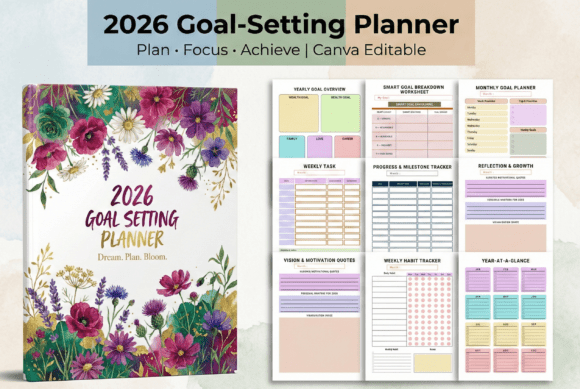
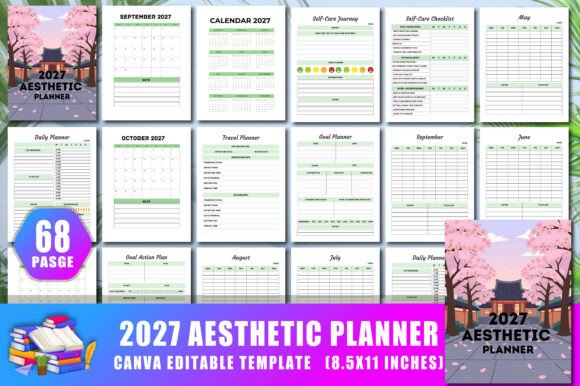
The content splits into two broad categories: business planning and productivity management. Business planning sections include a strategy planner, SMART goals worksheet, action plan template, monthly goals planner, goal progress tracker, and a vision board page. Productivity and project management sections include a 2027 yearly calendar and monthly calendars, plus undated templates for ongoing use.
Because many templates are undated, the planner does not expire after 2027. You can continue using the goal-setting and tracking pages as long as they remain useful. This design choice matters for long-term consistency — you are not forced to buy a new planner every year just to keep your system running.
Where the Planner Fits in Your Broader Process
The 2027 Side Hustle Planner is not a standalone tool. It works best when integrated with your existing methods, platforms, and resources. Think of it as the central organizing layer that connects your big-picture strategy with your weekly execution.
If you already use digital tools like Trello, Notion, or Asana for task management, the planner can serve as a monthly and quarterly review anchor. You map out your goals on paper (or digitally), then translate those into tasks inside your project management tool. If you track income and expenses in a spreadsheet or accounting app like Wave or QuickBooks, the planner's income tracking pages give you a monthly snapshot that feeds into your broader financial records.
For creative entrepreneurs — content creators, designers, writers — the planner can sit alongside a content calendar. You set your business goals for the month in the planner, then build your content strategy around those objectives. The key is to let the planner be the strategic layer, while your other tools handle the tactical execution.
Using the Planner Before, During, and After Key Activities
A practical planner adapts to how you actually work. Here is how the 2027 Side Hustle Planner supports different phases of your business activities.
Before launching a new project or goal
The business planning templates are designed for upfront thinking. Before you start a new project, product launch, or client campaign, use the strategy planner to define your vision. The SMART goals worksheet forces specificity — instead of a vague "grow my business," you write down measurable targets like "add three new clients by March" or "reach $2,000 monthly recurring revenue." The action plan template then breaks that goal into concrete steps with deadlines.
This upfront planning phase reduces the likelihood of drifting into unproductive work. You know what success looks like before you begin, which makes it easier to say no to distractions.
During execution and ongoing work
Once you are in the middle of a project, the monthly and weekly planning pages keep you grounded. Use the monthly calendars to block out major milestones, client deadlines, and marketing campaigns. The goal progress tracking pages give you a quick visual check — are you on pace or falling behind? If you notice a gap, you can adjust your weekly priorities before the month ends.
For freelancers and solopreneurs, the productivity tracking pages help you stay honest about how you spend your time. When you track your most important tasks each week, you build awareness around your actual output versus your planned output. That awareness alone often drives better time management.
After completing a goal or closing a period
Review is where most side hustlers fall short. The planner's goal progress tracker and monthly planning pages make review simple. At the end of each month, look at what you set out to do versus what you actually accomplished. Ask yourself: Which strategies worked? Which tasks wasted time? What should I change next month?
The vision board page is useful here too. Revisit your original motivation periodically. When you align your monthly actions with your broader vision, you maintain momentum even when the daily grind gets repetitive.
Practical Implementation Tips for Different Users
How you use the planner depends on your specific workflow. Here are tailored approaches for common side hustle scenarios.
Freelancers and service providers
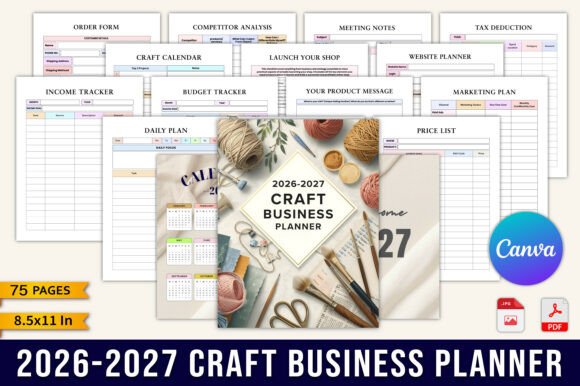
If you manage multiple clients, use the monthly calendar to track each client's deliverables and deadlines. The income tracking pages let you log payments per client, so you can see at a glance which revenue streams are growing and which are flat. Pair the planner with a simple CRM or spreadsheet for contact management. The planner handles the planning layer; your CRM handles the relationship layer.
Online sellers and product entrepreneurs
For those selling physical or digital products, the planner supports product launch planning. Use the action plan template to map out pre-launch tasks — product development, pricing, marketing, inventory. The monthly goals page helps you set sales targets and track progress against them. Combine the planner with your e-commerce platform's analytics (Shopify, Etsy, Gumroad) to compare planned versus actual performance.
Content creators and bloggers
Creators often juggle content production, audience growth, and monetization. The planner helps you balance these three areas. Set monthly goals for content output, follower growth, and income. Use the vision board page to clarify your brand direction. The undated templates mean you can pause and restart without losing your system — useful for creators who work in seasonal cycles.
Full-time professionals with a side hustle
If you already have a day job, your side hustle time is limited. The planner helps you protect that time. Use the monthly goals page to set realistic targets (not overambitious ones). The action plan template ensures you make progress in small, consistent steps. Review your progress monthly to decide if your side hustle is heading where you want it to go, or if you need to pivot.
Usability, Consistency, and Long-Term Use
A planner is only useful if you actually use it. The 2027 Side Hustle Planner is designed for low-friction adoption. The undated templates mean you can start in any month — no need to wait for January. The five size options let you choose the format that fits your existing notebook or binder system. If you prefer digital planning, the printable PDF works with apps like GoodNotes, Notability, or any PDF annotation tool.
For long-term use, the key is consistency over intensity. You do not need to fill every page every day. Pick two or three templates that matter most to your current goal and use them weekly. Add more sections as your business grows. The planner scales with you because it is not prescriptive — it gives you structure without forcing a rigid system.
Integration With Other Methods and Resources
The planner complements popular productivity and business frameworks. If you use the Eisenhower Matrix for prioritization, map your quarterly goals from the planner into that matrix. If you follow the Pomodoro Technique for focused work, set your weekly priorities from the planner and then time-block them using your preferred timer method. If you practice GTD (Getting Things Done), use the planner for your monthly and weekly reviews, then process tasks through your GTD system.
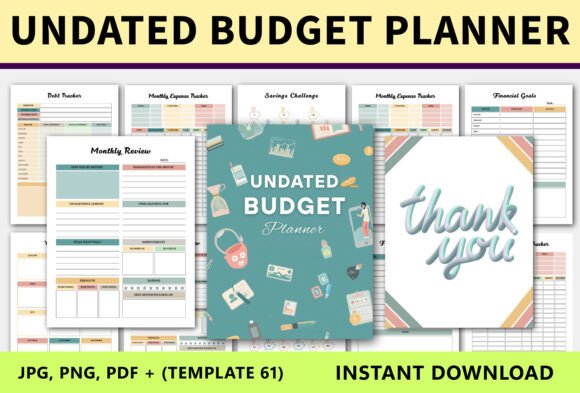
The planner also pairs well with financial tracking tools. Log your monthly income and expenses in the planner's tracking pages, then transfer the summary to your accounting software. This two-step process creates a review point — you see your numbers in the planner before they disappear into a spreadsheet.
Making the Planner Work for Your Specific Workflow
No single planner fits every business model perfectly. The value of the 2027 Side Hustle Planner is that it gives you a foundation to customize. Here are a few ways to adapt it to your needs.
- Print only what you need. You don't have to print all 56 pages. Select the templates that match your current goals and print them as needed. This keeps your binder lean and relevant.
- Combine with a weekly log. If you prefer a daily or weekly log format, use the planner for monthly and quarterly planning, and keep a simple notebook for daily task lists. The two systems work in parallel.
- Use the vision board page as a quarterly reset. Instead of creating a vision board once, revisit it every three months. Your priorities shift, and your vision should shift with them.
- Share relevant pages with collaborators. If you work with a partner or small team, the action plan template works as a shared document. Print extra copies for team meetings or share the PDF in a collaborative folder.
Observations on Building a Sustainable Side Hustle System
After working with many entrepreneurs and freelancers, one pattern stands out: the people who treat their side hustle like a real business from day one are the ones who sustain it long-term. That does not mean spending money on expensive tools or complex software. It means having a simple, repeatable process for planning, tracking, and reviewing.
The 2027 Side Hustle Planner provides that process without overcomplicating it. The structure is clear enough to keep you organized, but flexible enough to adapt as your business evolves. Whether you are earning your first dollar from a side project or scaling a part-time business into a full-time income, the discipline of regular planning and review is what separates momentum from stagnation.
Start by mapping out your next 90 days using the strategy planner and action plan template. Set three specific goals, break each into steps, and schedule your first actions. After 90 days, review your progress using the goal progress tracker. Adjust your approach, then repeat. That cycle — plan, execute, review, adjust — is the engine behind every successful side hustle. The planner simply gives you a place to run that engine consistently.